
The chapter to start with
Your Child’s Online World
For parents who have seen something on their child’s phone that they can’t unsee.
14 min read · Ages 8 to 18
↑ ↓ to moveEnter to openEsc to close
Screens and online life

These pages cover what a child can come across online when nobody is watching, and what to do when something gets through that shouldn’t have. They’re written to inform without alarming, for the parent who wants to feel calm about the device in the next room and to know what goes on behind the screen.
What to do first and who else can help are free to read and to print.
What the library holds on online safety
From the therapists
If something has happened online, the first thing to know is that your child needs you to stay calm more than they need you to be right. Whatever they did, they need to be able to tell you the next thing too.
2 on online safety
The long reads, each on one situation, written by a therapist.
The chapter to start with
For parents who have seen something on their child’s phone that they can’t unsee.
14 min read · Ages 8 to 18
Nothing on this shelf is written for that age yet.
15 on online safety
Short pieces for the moment in front of you, each with things to try.
Online life
Being curious without blame can help your son see you as someone to talk to, so ask what he likes about them first.
Try this
From the tip
Keep an eye on his mood as well as his opinions. A government-commissioned study of adult incels found poor mental health was common among them. If he talks about harming himself or not wanting to be alive, act that day: ask the surgery for an urgent appointment, and if it is closed, use the crisis line. England, Scotland and Wales: call 111 and choose the mental-health option. Northern Ireland: call Lifeline on 0808 808 8000. Help is free, confidential and available at any hour. Whoever answers may share information to arrange care or keep someone safe. Your son can also talk to a counsellor himself. Childline, 0800 1111. For anyone under 19 in the UK. There is a one-to-one chat online at https://www.childline.org.uk/get-support/1-2-1-counsellor-chat/. Help is free and available at any hour.
It becomes a safeguarding matter if your son talks about hurting women or girls, praises men who have attacked them, voices hatred of women or girls as a group, or becomes fixed on these ideas while pulling away from friends and family. That day, talk to his school’s designated safeguarding lead. They may raise Prevent, a national programme that aims to stop people becoming terrorists or supporting terrorism: the support it offers is voluntary, it isn’t a punishment, and a referral isn’t a criminal record. If the school is closed, or you want advice first, you can ask the police’s ACT Early advice line and website yourself, without giving your name.
If anyone is in danger now, don’t wait. Call 999. Help is free and available at any hour.
Online life
If your child confides in a chatbot, tell them what it is and keep them talking to real people.
Try this
Online life
Before your child joins the class group chat, tell them they will never be in trouble for showing you something that upset them.
Try this
From the tip
If anyone sends your child a nude or semi-nude picture, tell your child not to pass it on. Never ask them to send it to you, and never view, copy, print, share, store or save it; a screenshot is a copy. Don’t delete anything until you have advice from the school’s safeguarding lead. If a picture of your child has been shared, tell them it is not their fault; they can report it themselves to have it taken down. Report Remove (from Childline and the IWF). Online at https://www.childline.org.uk/info-advice/bullying-abuse-safety/online-mobile-safety/report-remove/. If an adult sent it, or anyone is pressuring your child to send pictures, report it to the police. CEOP (the police’s online child protection command). Report at https://www.ceop.police.uk/safety-centre/.
More quick tips on online safety
Online life
Asking what your child watches online is harder than timing it, and more useful.
2 min read · Ages 7 to 13
Online life
Many children come across pornography by accident, often on social media, so talk to your child about it before someone shows them.
2 min read · Ages 9 to 13
Online life
Have the money conversation, and set the controls, before your child plays a game with a shop in it.
2 min read · Ages 7 to 13
Online life
Keep pictures of your child to people you know, and once they’re old enough to have a view, ask them first.
2 min read · Under 9
Online life
A four-year-old doesn’t choose their own apps, so choose them with care and review them as your child grows.
2 min read · Under 9
Online life
Two games with the same age rating can be very different, so check why it got its number and watch it being played before you decide.
2 min read · Ages 7 to 13
Friendships & social life
Being left out of a group chat hurts; take it seriously, and send no messages tonight.
2 min read · Ages 9 to 16
Friendships & social life
Tell your teenager now, before anything happens, that you will never take their phone away because they told you something.
2 min read · Ages 13 to 18
Online life
If your child has been watching pornography, start with a calm conversation, unless it involves a child, an adult contacting your child, or pressure.
2 min read · Ages 11 to 16
Online life
At four, treat the tablet as yours, lent to your child for short stretches with you nearby.
2 min read · Under 7
Online life
If your child’s feed is full of diets and bodies, reset it with them and explain how it works.
1 min read · Ages 11 to 18
Online life
If your child has let an AI tool do their homework, go through what it wrote with them.
1 min read · Ages 7 to 13
The rest of each tip, with more to try and why it works, is in the library.
Nothing on this shelf is written for that age yet.
3 on online safety
Small, repeatable things to do with your child, with what to watch for and when to get help.
To do together · About 30 min
Your child picks a game they play and teaches you how it works. You play beside them as a beginner, and find out what the game involves, including who they can talk to in it.
What it is for. For many children, games are where they relax and where they spend time with their friends. Playing one with your child shows them you’re interested in something they care about, and it teaches you what the game involves: who they can talk to in it, what it costs and how they would block someone.
Safety. Check the age rating, and what the game lets players do: chat, voice and buying things. Use the console’s or the game’s settings to limit who can talk to your child, and so that nothing can be bought without you. Don’t store a payment card on the console or in the app. Screens off about an hour before bed, and the console stays out of your child’s bedroom overnight.
When to get help. If you learn that someone in a game has asked your child for pictures or personal details, asked to meet them or asked them to move to another app, or that there is a sexual image of a child, stay calm, do not blame your child, and leave everything as it is (do not reply, look further, copy, forward or delete). Act that day, using the routes under “If you need help right now”, at the foot of every page, and tell the school’s designated safeguarding lead. If your child tells you that someone is hurting them, that they are hurting themselves, or that they do not want to be alive, stay calm, thank them for telling you, do not promise to keep it secret, and act that day in the same way. If for several weeks gaming has come before sleep, meals and washing, your child has dropped things they used to enjoy, or they only see their friends online, talk to your child’s school and your GP.
The other four steps, and your part in it, are in the library.
More to do together
To do together
A short family agreement about screens, signed by everyone and made with your child: when, where and what, and what to do if something online upsets them.
About 20 min · Ages 5 to 9
To do together
Once a week your child shows you three things: the funniest they have seen, the weirdest, and one they think you should see. You watch without comment.
About 10 min · Ages 7 to 18 · With a sheet to print
Nothing on this shelf is written for that age yet.
7 on online safety
Made to be printed, kept, and handed on.
To print and keep
What to do first, a few things to try and who else can help, together in one guide. Free to print and keep, or to hand to the other parent, a grandparent or the school.
Who else can help with online safety, on a sheet of its own.
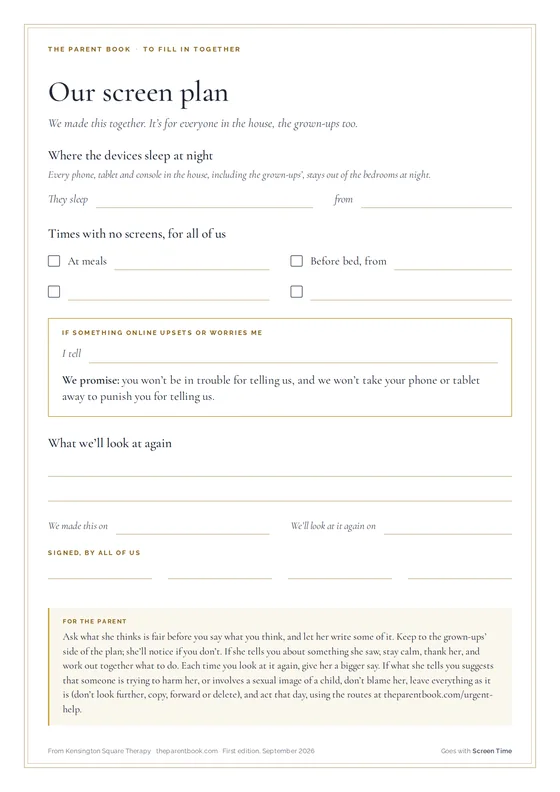 Our screen plan
To fill in together · A4 · With a subscription
Our screen plan
To fill in together · A4 · With a subscription
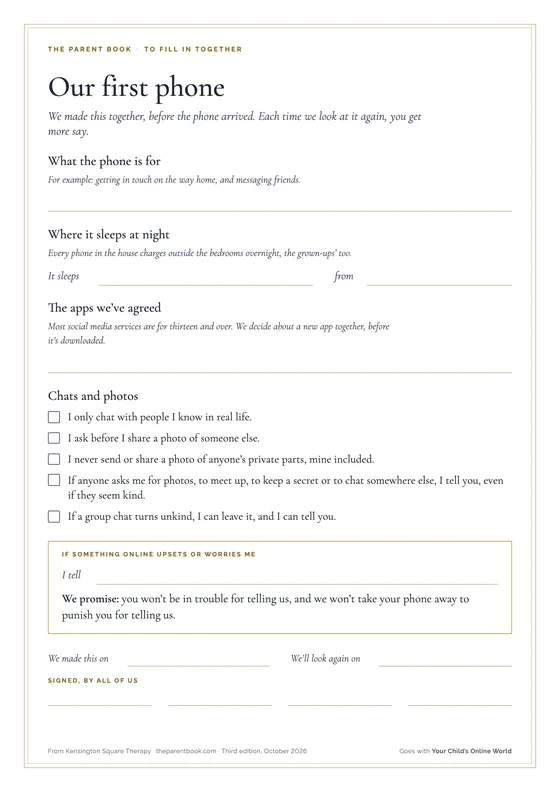 Our first phone
To fill in together · A4, two sides · With a subscription
Our first phone
To fill in together · A4, two sides · With a subscription
 Their online world
Pocket card · A4, four cards to cut, two sides · With a subscription
Their online world
Pocket card · A4, four cards to cut, two sides · With a subscription
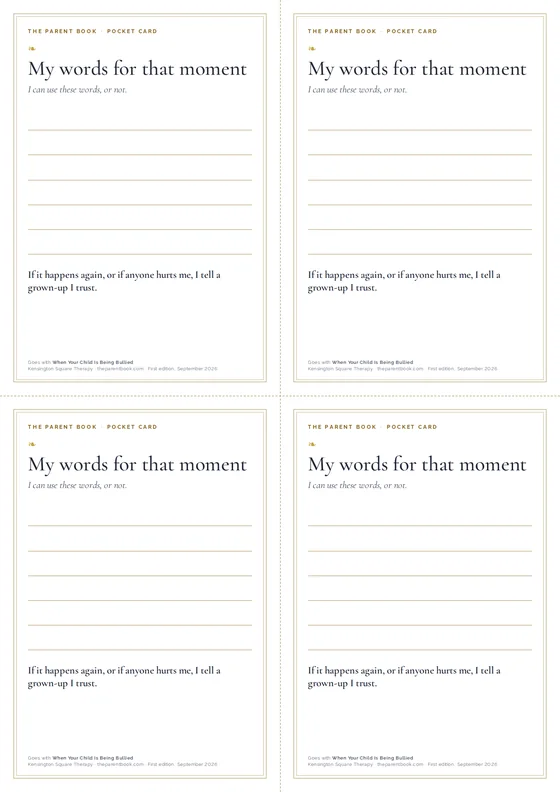 My words for that moment
Pocket card · A4, four cards to cut · With a subscription
My words for that moment
Pocket card · A4, four cards to cut · With a subscription
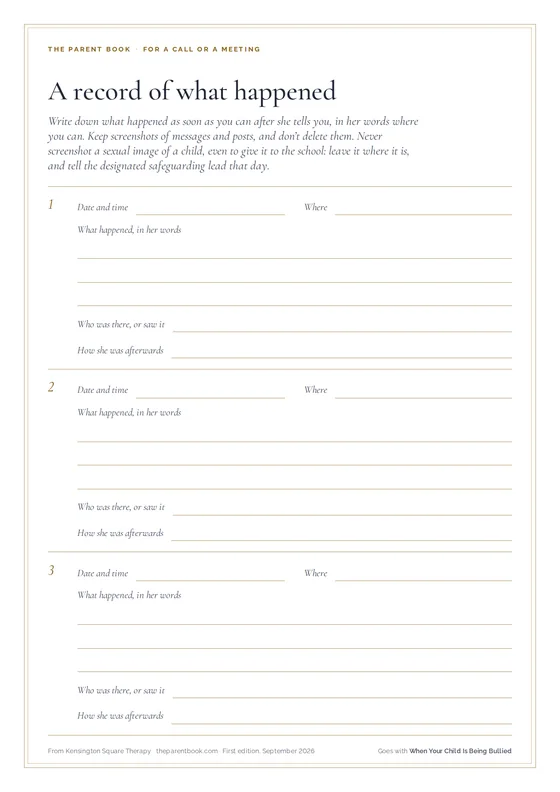 A record of what happened
For a call or a meeting · A4, two pages · Free
A record of what happened
For a call or a meeting · A4, two pages · Free
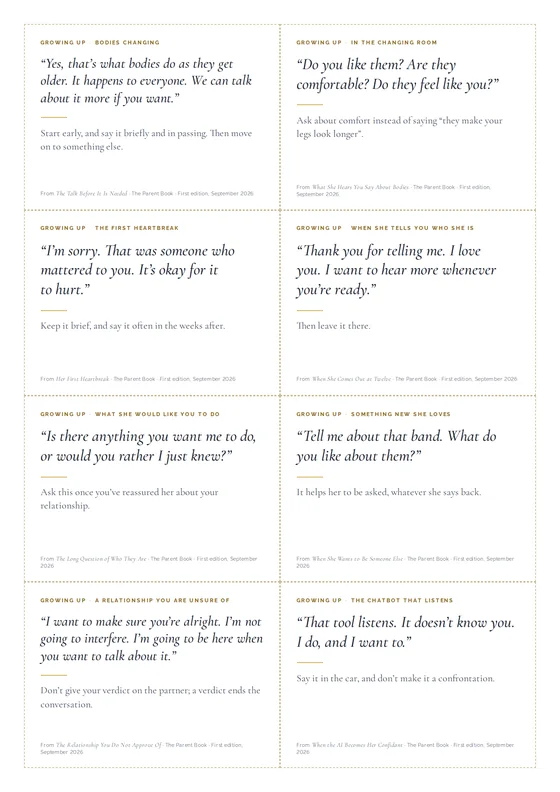 What to say: growing up
Cards to cut out · A4, eight cards to cut · With a subscription
What to say: growing up
Cards to cut out · A4, eight cards to cut · With a subscription
23 on online safety
Chosen by the therapists who write the library: books for you and to read with your child, and pages from organisations we trust.
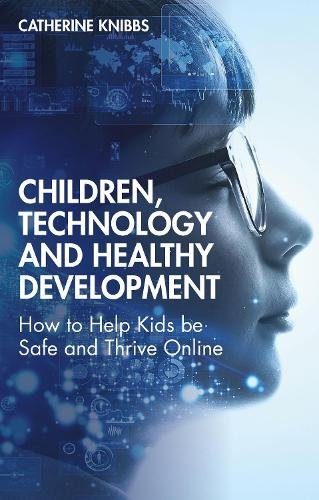
Also on this shelf
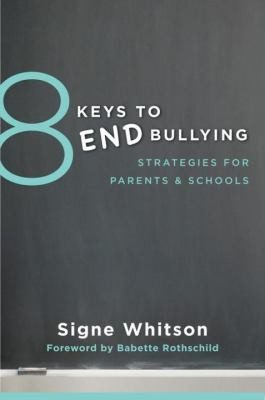
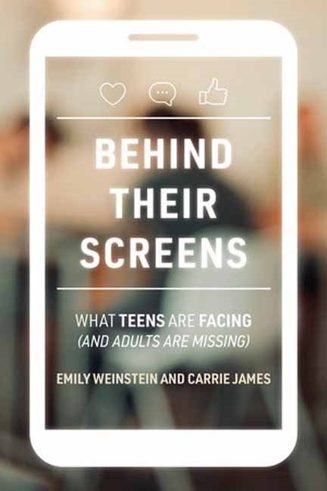
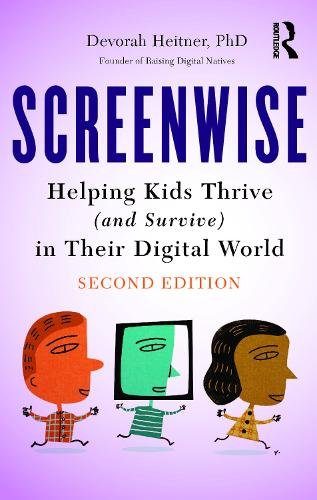
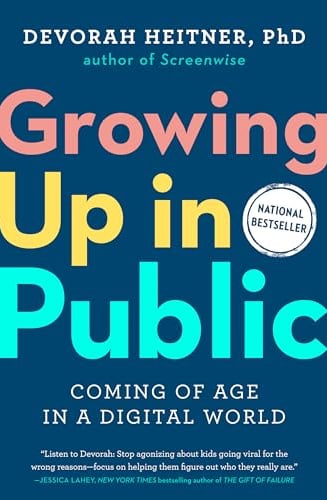
And one more. Every book on the shelf, with a therapist’s note on what it is good for, is in the library.
Also on this shelf
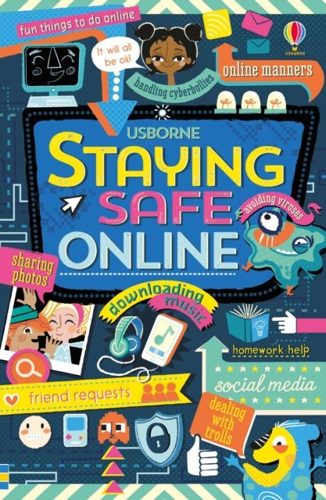
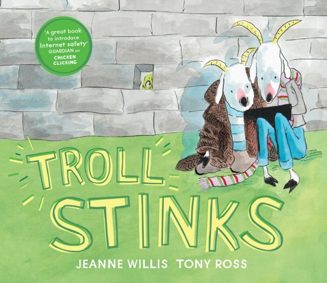
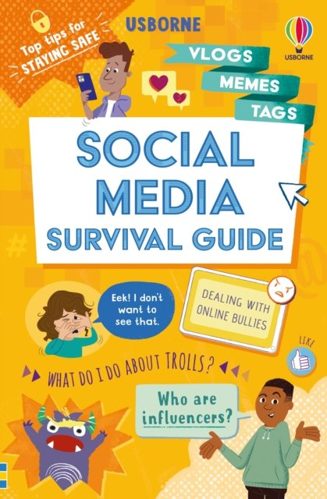
And two more. Every book on the shelf, with a therapist’s note on what it is good for, is in the library.
NSPCC
Five tips for regular, open conversations about life online, with an FAQ on how to adapt them for different ages and what to do when a child will not talk.
Childnet
Simple advice for families with young children: using devices together, setting up parental controls and child profiles, and what to do if a child sees something upsetting.
Childnet
Explains how financially motivated sextortion targets teenagers, especially boys, the signs a child is affected, and exactly what to do if it happens.
NSPCC
Why young people share images, the risks of losing control of them, how to raise it without shaming, and what to do if it has already happened, including Report Remove.
Childnet
A free template families fill in together to agree rules for devices, games and apps, with a parents’ guide to starting the conversation. Works best made with the child, not for them.
NSPCC
The benefits and risks of the platforms children use, how to review privacy settings together, and what to do when a child sees something harmful.
YoungMinds
How to talk to your child about life online, set realistic boundaries, and respond to sexting and bullying calmly, with frank advice on consent and pressure.
CEOP Education (National Crime Agency)
From the National Crime Agency’s child protection team: talking about games, using PEGI ratings and safety settings, and why in-game chat and gifts can be used to groom children.
NSPCC
How grooming works online and in person, the signs a child may be being groomed, and what to do if you are worried.
Child Mind Institute
How to start a calm, unembarrassed conversation about pornography, explaining how it misrepresents bodies, sex and consent, and when to seek help.
Nothing on this shelf is written for that age yet.
19 on online safety
Podcast episodes, talks and films, each chosen for a reason.
Get a Grip - Evidence-Based Conversations for Parents and Educators
Clinical psychologist Elly Hanson, who works on abuse and online harms, discusses the themes raised by Netflix’s Adolescence and the practical steps parents and schools can take.
Also on this shelf
NSPCC Learning Podcast
Get a Grip - Evidence-Based Conversations for Parents and Educators
Parent Zone
Tech Shock - from Parent Zone
And two more. Every episode on the shelf, with a therapist’s note on what it is good for, is in the library.
YouTube · 2 min
Internet Matters, YouTube
A short guide to helping children use AI chatbots and tools safely, including privacy, checking what AI tells them and knowing when to talk to an adult.
Also on this shelf
YouTube · 3 min
Internet Matters, YouTube
YouTube · 2 min
UK Safer Internet Centre, YouTube
other
NCA-CEOP Education, other
YouTube · 6 min
NCA-CEOP Education, YouTube
And seven more. Every film on the shelf, with a therapist’s note on what it is good for, is in the library.
Nothing on this shelf is written for that age yet.
If something has happened to your child online, this is a safeguarding conversation before it is anything else.
Where to start
Every school has one, by law. They are trained for exactly this conversation and they have the routes a parent does not.
As soon as you have a concern about a child’s safety. Ask for them by role; you do not have to explain yourself to the office first.
A line for the adult who is not sure whether what they have noticed is serious. You do not need to be certain, and you can call anonymously.
When something has been said or seen and you do not know what to do with it. They will tell you whether it needs to go further, and help you take that step.
Helpline 0808 800 5000, Monday to Friday 10am to 4pm
Email help@nspcc.org.uk, read 11am to 4pm, seven days a week; a message sent while the service is closed is not received. If it is closed and the concern cannot wait, call the police on 101, or contact the child’s local children’s social care, social work or social services team. If a child is in immediate danger, call 999.
For online safety
Step-by-step guides to the settings on every device and app, advice by age from nought to eighteen, and guides to AI tools and gaming.
When you need to actually change something on a phone tonight. The most practical online safety source in the UK.
Guides to having the conversation, by age, on gaming, sharing images, online bullying and where the line is, from one of the charities behind the UK Safer Internet Centre.
When the settings are done and the talking is the hard part.
The National Crime Agency’s child protection command. Their parents’ pages explain grooming, image sharing and gaming risks calmly, and the CEOP Safety Centre is where you report grooming or sexual abuse of your child online.
When what has happened online may be a crime: someone asking for images or personal details, or pressure on your child to share pictures. Report at ceop.police.uk/safety-centre.
A free, confidential tool for under-18s to get a nude or sexual image of themselves removed from the internet, with Childline counsellors there if they want to talk.
When an image of your child has been shared. Your child makes the report; you can sit with them while they do.
www.childline.org.uk/info-advice/bullying-abuse-safety/online-mobile-safety/report-remove
The UK hotline that gets sexual images of children removed from the internet. The report is online, anonymous and free.
When you have found an illegal image of a child, including one of your own child, and need it taken down. The IWF removes the image; reporting the person goes to CEOP or the police.
The two usually need to run together.
Every organisation for online safety, and when each is the right call Finding a therapist