The chapter to start with
What Screen Time Actually Is
For parents who feel they have lost the argument about screens.
13 min read
↑ ↓ to moveEnter to openEsc to close
Screens and online life

Gaming is the world most parents recognise but feel least competent in. These pages cover the eight-year-old’s first console, the twelve-year-old’s headset and the older teenager whose evenings are now taken up with games, and they treat gaming as a real part of a child’s social and emotional life.
What to do first, what helps and who else can help are free to read and to print.
What the library holds on gaming
From the therapists
Games are designed to be hard to leave, and when there’s a fight at the end of a session, it’s usually about being interrupted.
From the chapters
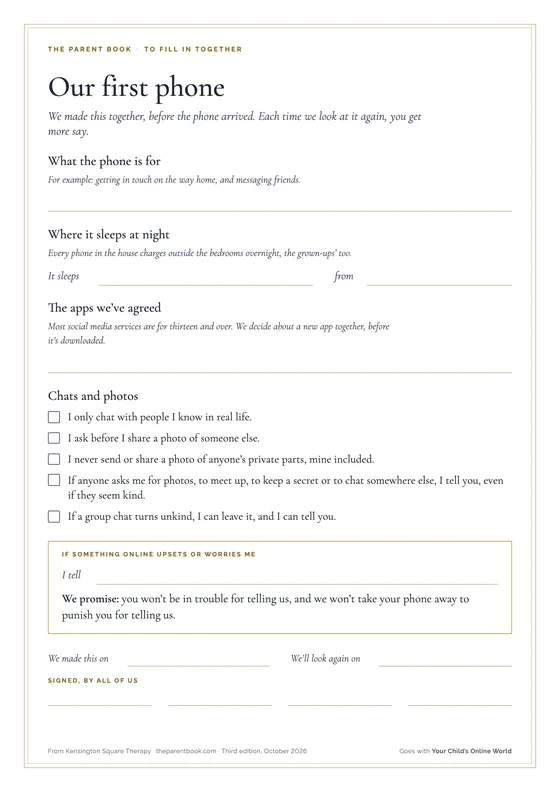
Charge devices in the kitchen overnight, including yours. What you do counts as much as the rule you set.
The brain needs to wind down before it can sleep. Use the time for reading, a bath or talking together.
1 on gaming
The long reads, each on one situation, written by a therapist.
The chapter to start with
For parents who feel they have lost the argument about screens.
13 min read
Nothing on this shelf is written for that age yet.
5 on gaming
Short pieces for the moment in front of you, each with things to try.
Online life
Have the money conversation, and set the controls, before your child plays a game with a shop in it.
Try this
Online life
Two games with the same age rating can be very different, so check why it got its number and watch it being played before you decide.
Try this
From the tip
Check the chat separately. The NSPCC points out that age ratings don’t include communication features, so a game with a low rating may still let children talk to people they don’t know. Gaming controls can limit chat, or allow it only with friends you’ve approved.
Online life
For most teenagers gaming is where their friends are, so agree the end of the night with your teenager.
Try this
From the tip
If your teenager hits or threatens anyone when the game stops, leave the room, and if that doesn’t make everyone safe, don’t wait. Call 999. Help is free and available at any hour.
More quick tips on gaming
Online life
Time on a headset is often time with friends, so start by asking about it.
2 min read · Ages 9 to 13
Online life
Agree how long your child will play before they start, and give them a few minutes’ warning.
2 min read · Ages 5 to 9
The rest of each tip, with more to try and why it works, is in the library.
Nothing on this shelf is written for that age yet.
2 on gaming
Small, repeatable things to do with your child, with what to watch for and when to get help.
To do together · About 30 min
Your child picks a game they play and teaches you how it works. You play beside them as a beginner, and find out what the game involves, including who they can talk to in it.
What it is for. For many children, games are where they relax and where they spend time with their friends. Playing one with your child shows them you’re interested in something they care about, and it teaches you what the game involves: who they can talk to in it, what it costs and how they would block someone.
Safety. Check the age rating, and what the game lets players do: chat, voice and buying things. Use the console’s or the game’s settings to limit who can talk to your child, and so that nothing can be bought without you. Don’t store a payment card on the console or in the app. Screens off about an hour before bed, and the console stays out of your child’s bedroom overnight.
When to get help. If you learn that someone in a game has asked your child for pictures or personal details, asked to meet them or asked them to move to another app, or that there is a sexual image of a child, stay calm, do not blame your child, and leave everything as it is (do not reply, look further, copy, forward or delete). Act that day, using the routes under “If you need help right now”, at the foot of every page, and tell the school’s designated safeguarding lead. If your child tells you that someone is hurting them, that they are hurting themselves, or that they do not want to be alive, stay calm, thank them for telling you, do not promise to keep it secret, and act that day in the same way. If for several weeks gaming has come before sleep, meals and washing, your child has dropped things they used to enjoy, or they only see their friends online, talk to your child’s school and your GP.
The other four steps, and your part in it, are in the library.
More to do together
To do together
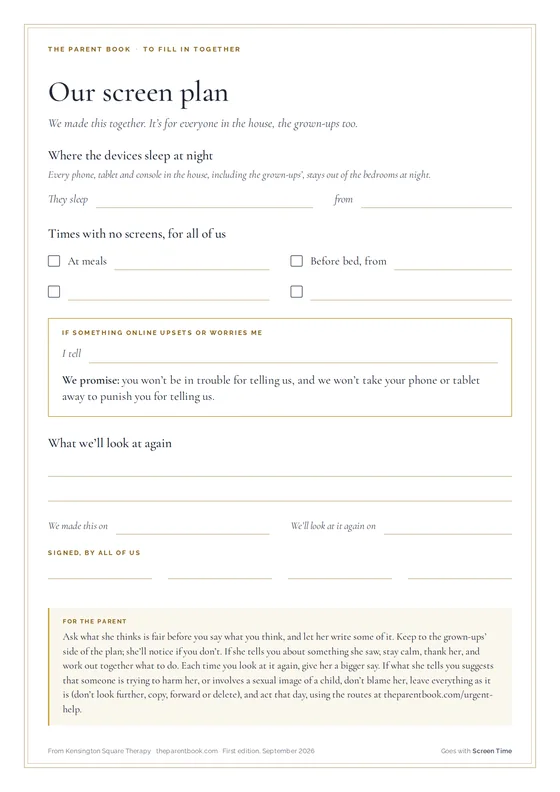
A short family agreement about screens, signed by everyone and made with your child: when, where and what, and what to do if something online upsets them.
About 20 min · Ages 5 to 9
Nothing on this shelf is written for that age yet.
4 on gaming
Made to be printed, kept, and handed on.
To print and keep
What to do first, what helps, a few things to try and who else can help, together in one guide. Free to print and keep, or to hand to the other parent, a grandparent or the school.
Who else can help with gaming, on a sheet of its own.
8 on gaming
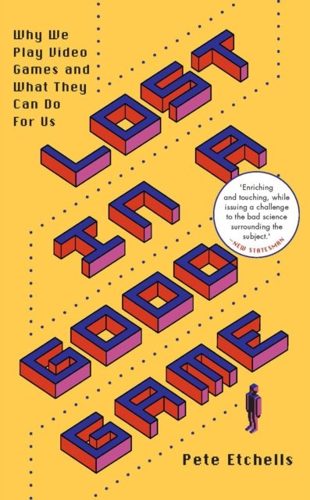
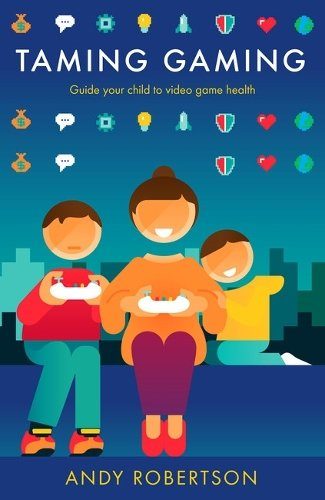
Chosen by the therapists who write the library: books for you and to read with your child, and pages from organisations we trust.
Also on this shelf

Every book on the shelf, with a therapist’s note on what it is good for, is in the library.
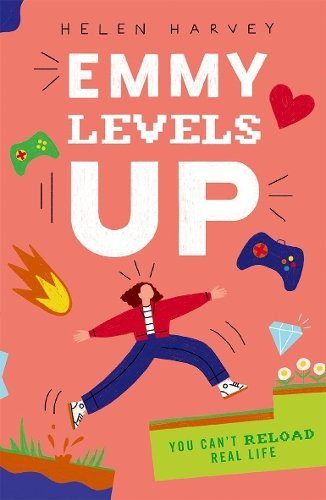
Also on this shelf

Every book on the shelf, with a therapist’s note on what it is good for, is in the library.
YoungMinds
Balanced on gaming’s benefits and risks, with what young people say they want from parents, how to set boundaries, and when gaming is a real cause for concern.
Place2Be
Understanding why children love games, and how to agree gaming rules together so limits feel fair rather than imposed.
CEOP Education (National Crime Agency)
From the National Crime Agency’s child protection team: talking about games, using PEGI ratings and safety settings, and why in-game chat and gifts can be used to groom children.
Nothing on this shelf is written for that age yet.
6 on gaming
Podcast episodes, talks and films, each chosen for a reason.
Tech Shock - from Parent Zone
Video game law researcher Leon Xiao explains loot boxes, gacha mechanics and other gambling-like features in children’s games. Neither host nor guest is anti-gaming, which makes the warnings more persuasive.
Also on this shelf
Ask Lisa: Untangling Family Life
Parent Zone
Every episode on the shelf, with a therapist’s note on what it is good for, is in the library.
YouTube · 1 min
Internet Matters, YouTube
One minute showing the three Roblox parental controls most worth switching on, covering chat, spending and content. Quick and specific.
Also on this shelf
YouTube · 4 min
Andy Robertson (Parent Club, Scottish Government), YouTube
YouTube · 3 min
Internet Matters, YouTube
Every film on the shelf, with a therapist’s note on what it is good for, is in the library.
Nothing on this shelf is written for that age yet.
This usually starts at school rather than at the surgery. The adults who see your child every day are the first people to tell, and often the fastest route to a change. The GP is there if it persists or deepens.
Where to start
The pastoral lead, the head of year, or the form tutor. Free, already knows your child, and often the quickest way to get something changed at school.
Before or alongside anything else. A school cannot act on what it has not been told, and what you bring is often what it did not have.
The gateway to everything the NHS offers a child: paediatric assessment, a referral to CAMHS, and support for you as the parent.
Ask for a double appointment. Describe the pattern over weeks rather than the worst single day, and say plainly what you are worried about. Bring a written list; the ten minutes go quickly.
For gaming
Step-by-step guides to the settings on every device and app, advice by age from nought to eighteen, and guides to AI tools and gaming.
When you need to actually change something on a phone tonight. The most practical online safety source in the UK.
Guides to having the conversation, by age, on gaming, sharing images, online bullying and where the line is, from one of the charities behind the UK Safer Internet Centre.
When the settings are done and the talking is the hard part.
The UK’s online safety centre, run by Childnet, the IWF and SWGfL. Their parents’ pages give age-by-age guidance and settings for each platform, written for people who have read enough alarming material.
For the everyday side of online life rather than an emergency. Reading and guides; there is no parent helpline here.
Email only, Mon-Fri working hours
Every organisation for gaming, and when each is the right call Finding a therapist